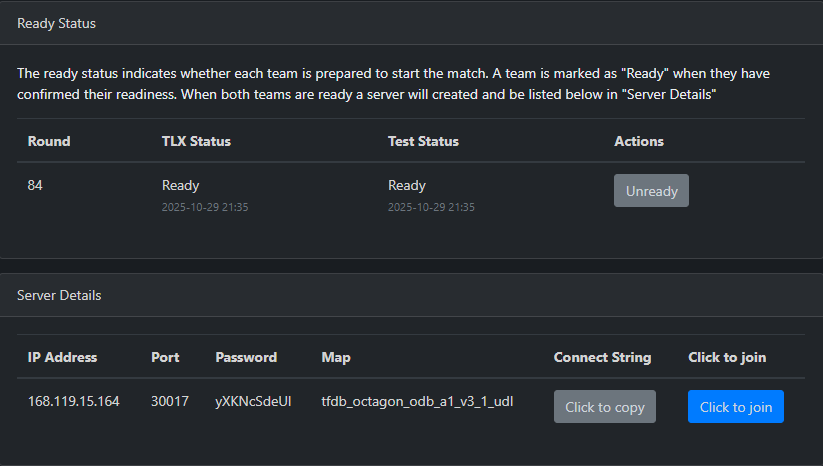
Your upcoming match page should look like this.
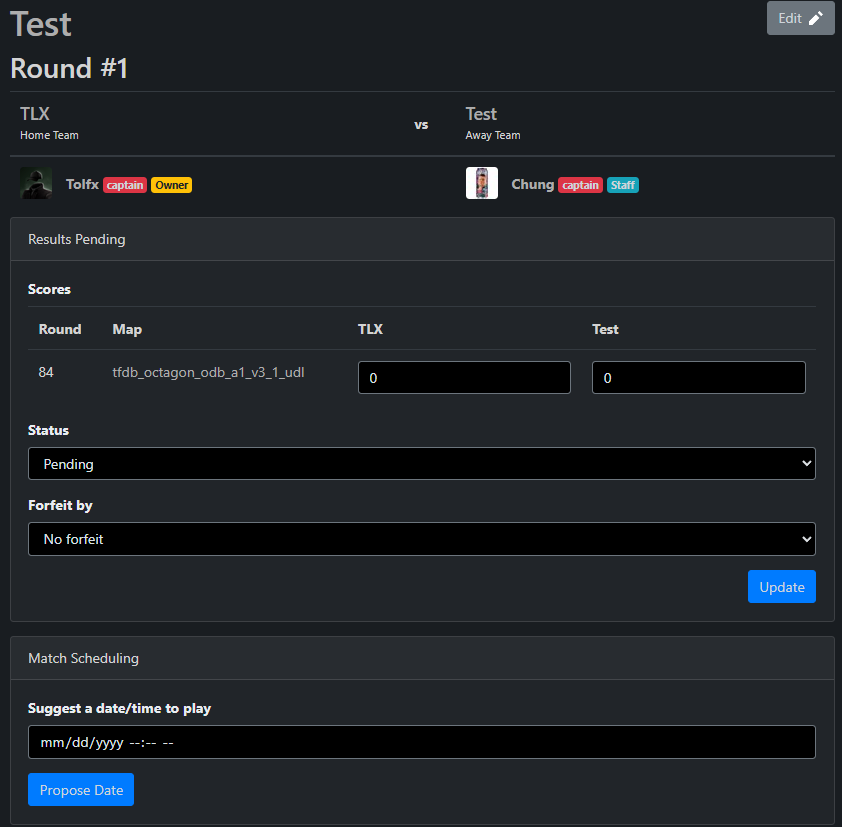
Below "Match scheduling," you can suggest a date and time that works for you and your team.
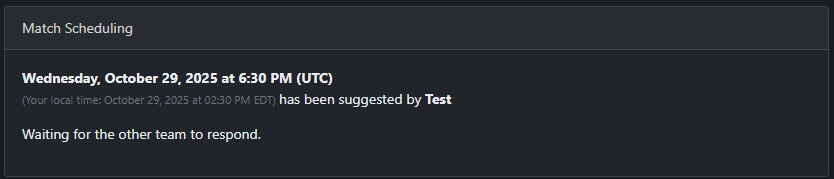
Once you accept it, the suggested time and date will be sent to the enemy team. From there, they can either accept or decline and suggest a new time; however, if you decline the proposed time, you must provide a valid reason.
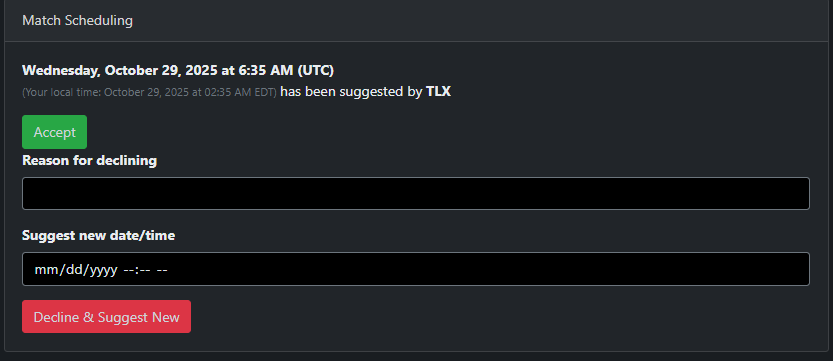
When both teams accept the suggested time and date, it will look like this.

When it's finally time for the match, both teams must ready up, which will also show when they're ready in case the 15-minute rule needs to be used on unresponsive teams.
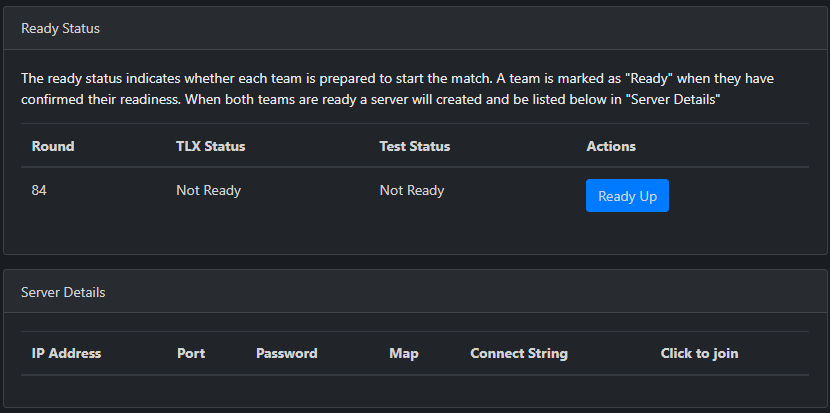
Once both teams are ready, a server will be automatically created for the match. This process takes a bit, so give it some time. However, both teams will get a notification at the top right once it's ready.